Client Portal Builder

Create custom client portals in just a few clicks

One single login for your clients
All information & resources in one place
100% white-label in your branding
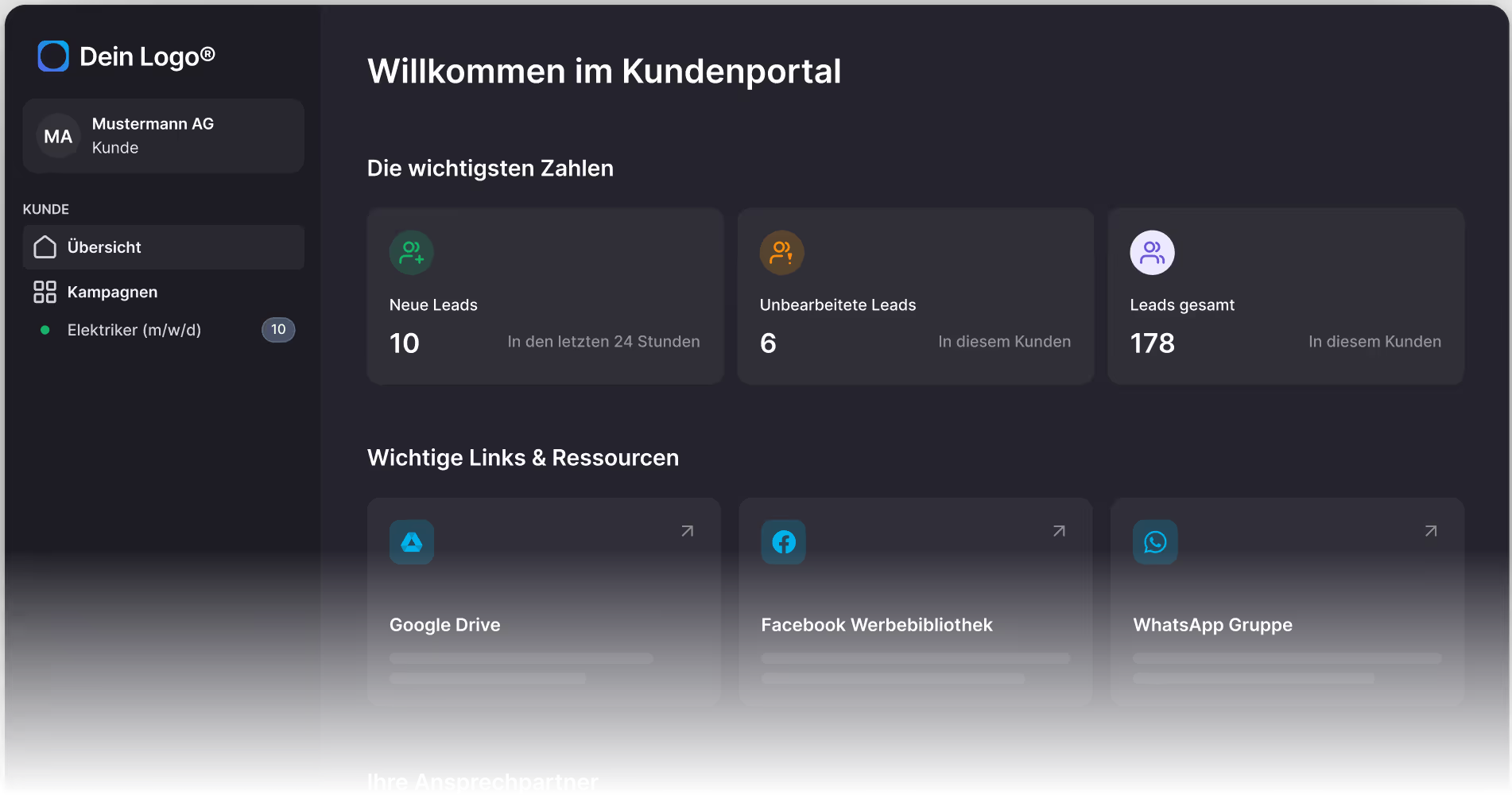
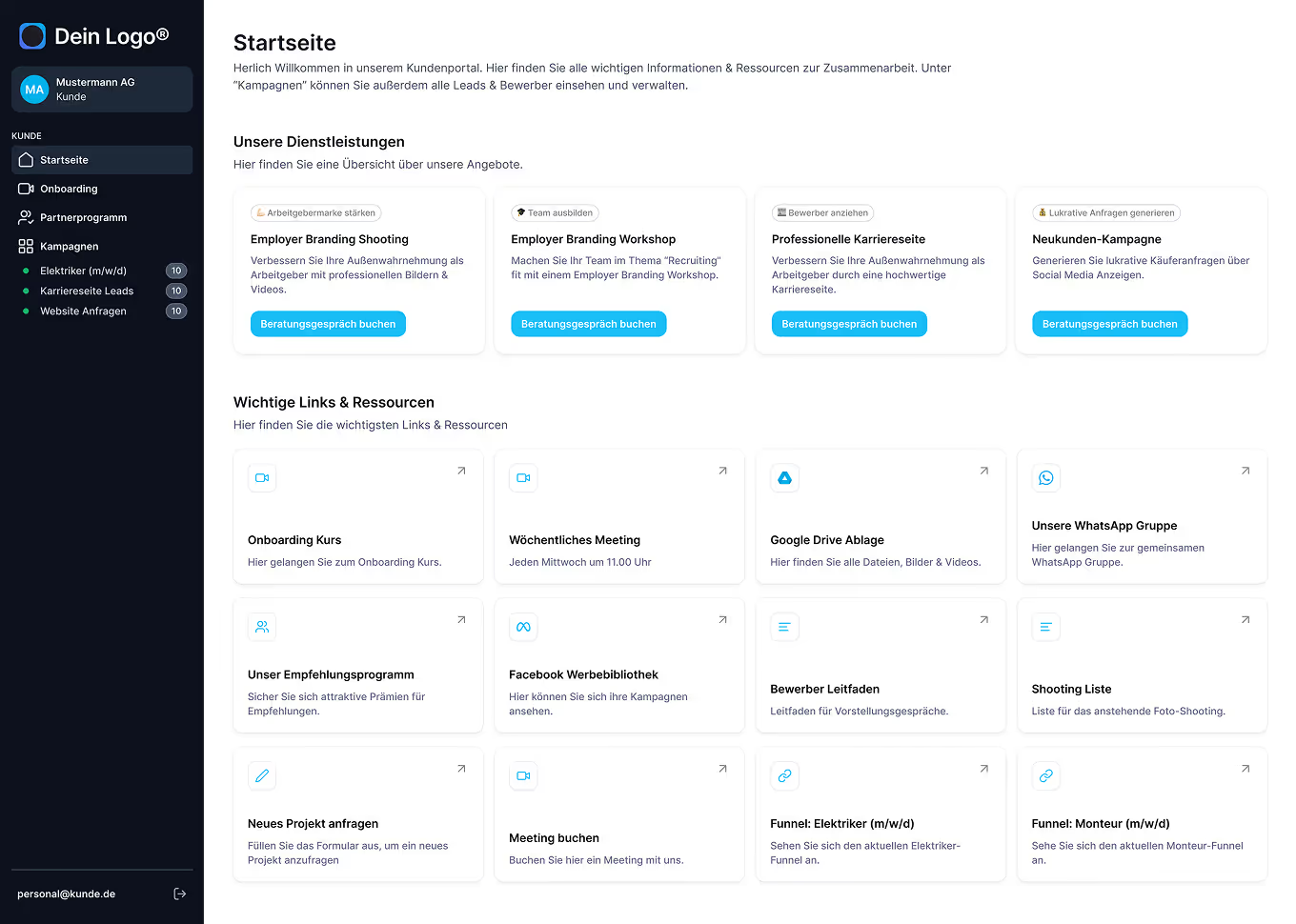
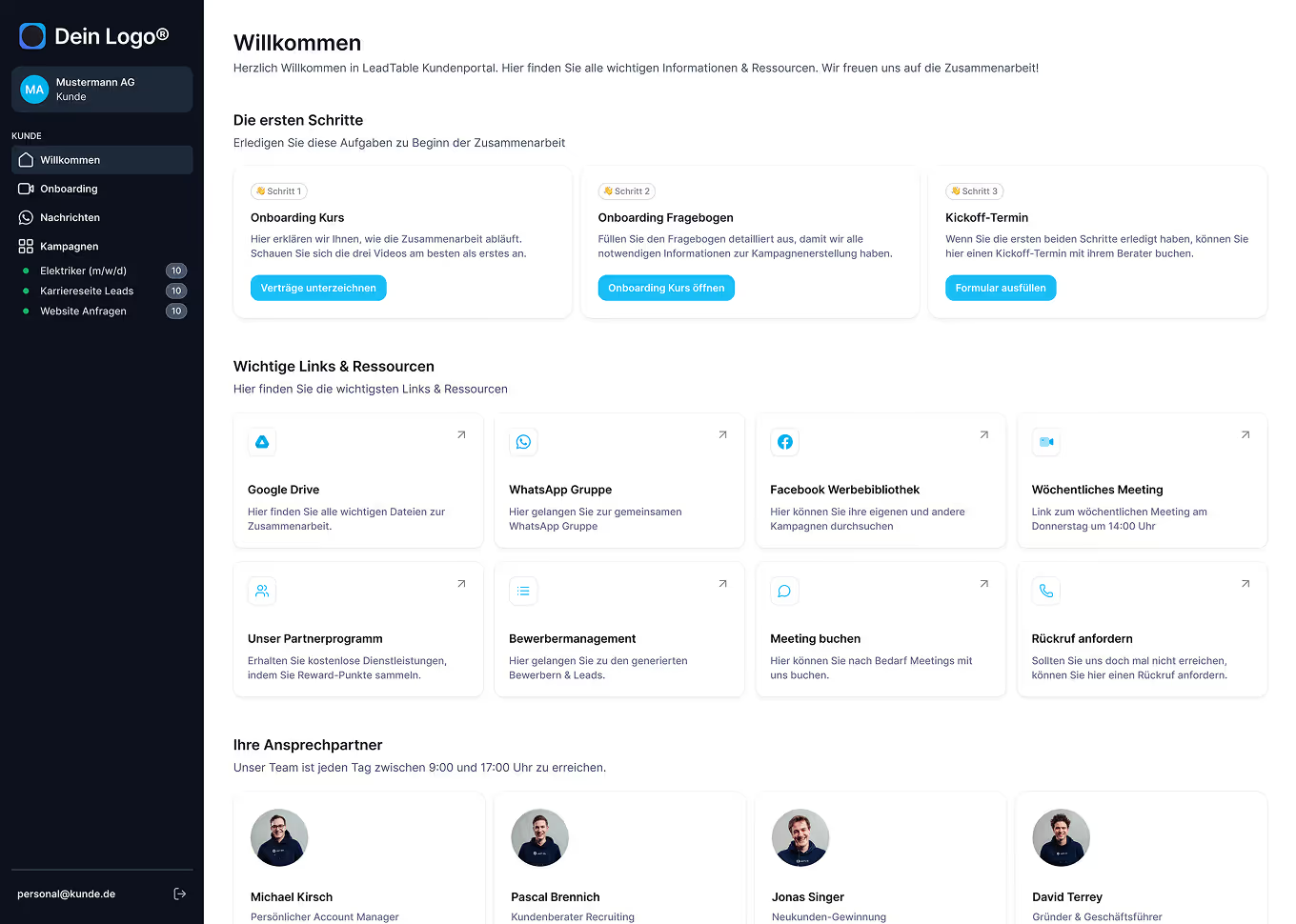
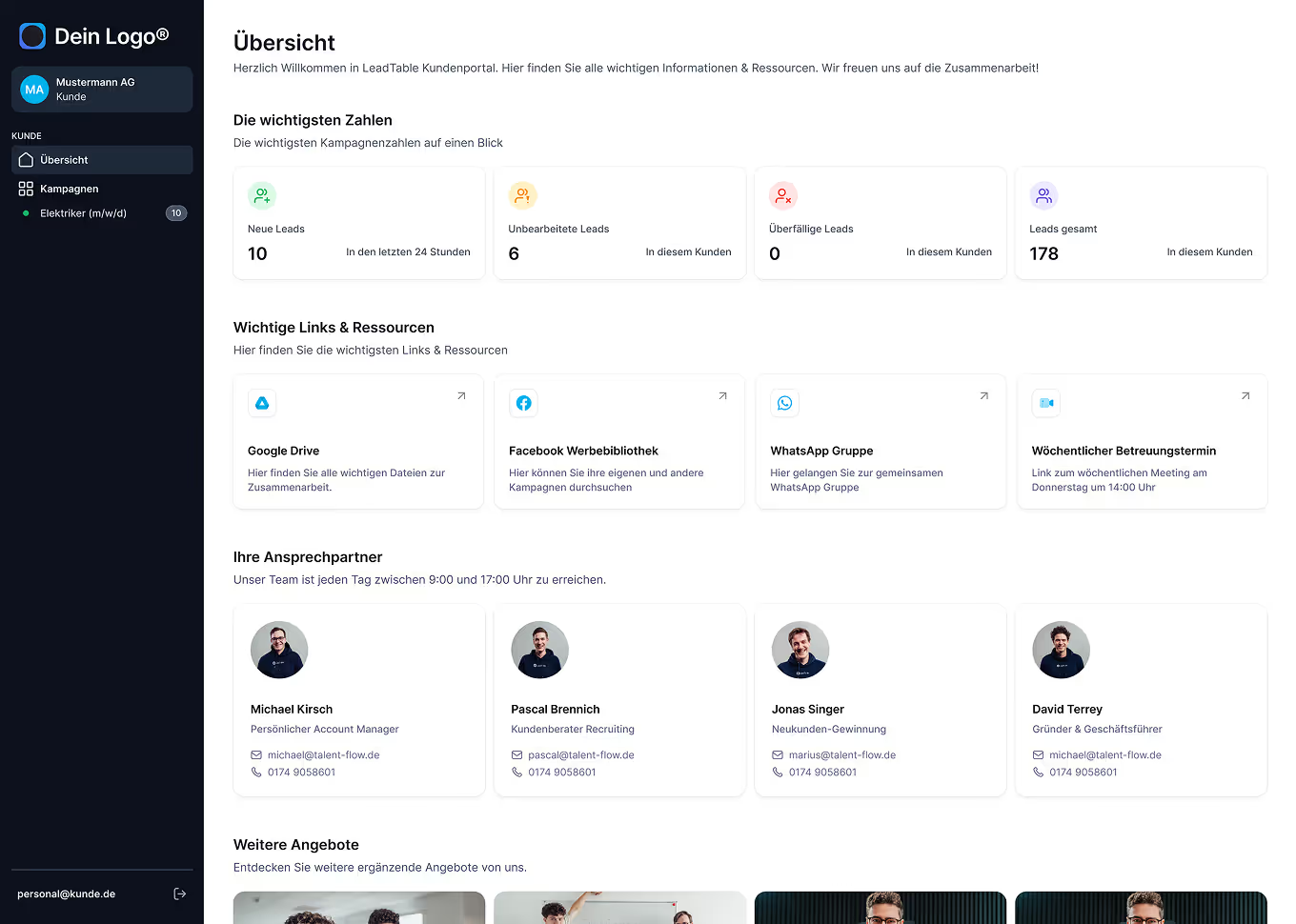
Dark-themed customer portal dashboard in German showing new leads, unprocessed leads, total leads, and important resource links like Google Drive, Facebook Ads Library, and WhatsApp Group.
Play button with grey bg

600+ companies already use LeadTable

Agencies jump between different tools and spend lots of time on manual support tasks

Unstructured onboarding process
Time-consuming manual reporting
The onboarding form is filled in once and can never be edited again
“Could you send me the link to the images again? It’s expired!”
Unstructured onboarding process
Time-consuming manual reporting
The onboarding form is filled in once and can never be edited again
“Could you send me the link to the images again? It’s expired!”
Calls & emails from clients with annoying support requests
“Could you send me the link to the campaign drafts again?”
No clearly defined communication process
Time-consuming video courses that nobody really watches
Calls & emails from clients with annoying support requests
“Could you send me the link to the campaign drafts again?”
No clearly defined communication process
Time-consuming video courses that nobody really watches
Untapped potential when it comes to “asking for referrals”
Placing upsells is often difficult & depends on sales talent
“Sorry I’m late! I couldn’t find the Zoom link!”
Untapped potential when it comes to “asking for referrals”
Placing upsells is often difficult & depends on sales talent
“Sorry I’m late! I couldn’t find the Zoom link!”
Time-consuming manual reporting
Time-consuming video courses that nobody really watches
Untapped potential when it comes to “asking for referrals”
“Sorry I’m late! I couldn’t find the Zoom link!”
Time-consuming manual reporting
Time-consuming video courses that nobody really watches
Untapped potential when it comes to “asking for referrals”
“Sorry I’m late! I couldn’t find the Zoom link!”
Time-consuming manual reporting
Time-consuming video courses that nobody really watches
Untapped potential when it comes to “asking for referrals”
“Sorry I’m late! I couldn’t find the Zoom link!”
Time-consuming manual reporting
Time-consuming video courses that nobody really watches
Untapped potential when it comes to “asking for referrals”
The solution

One single login for your clients – everything in one place
Leadtable Integrations
Drag-and-drop editor
Design custom client portals and pages in a few clicks – no coding knowledge required.
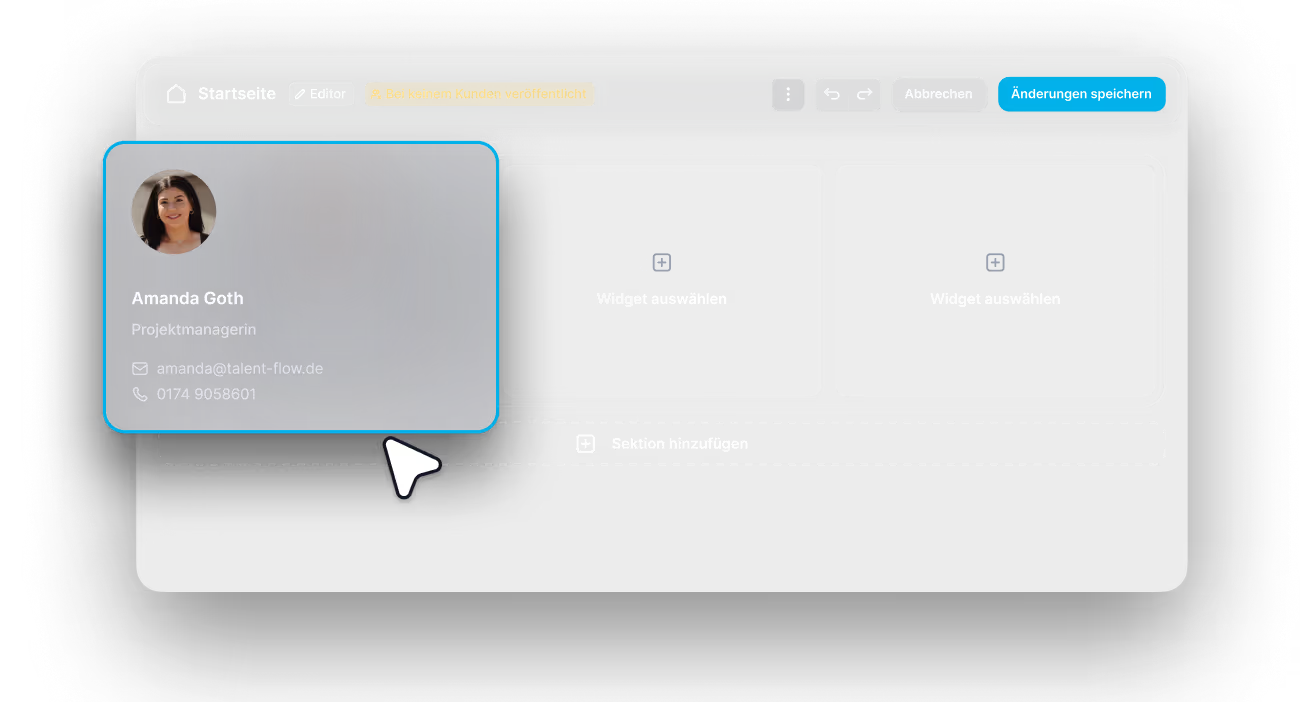
Web interface showing a drag-and-drop editor with a profile card for Amanda Goth, project manager, including email and phone contact details.
Smart widgets
Choose the right ready-made widgets for your use cases and place them via drag and drop.
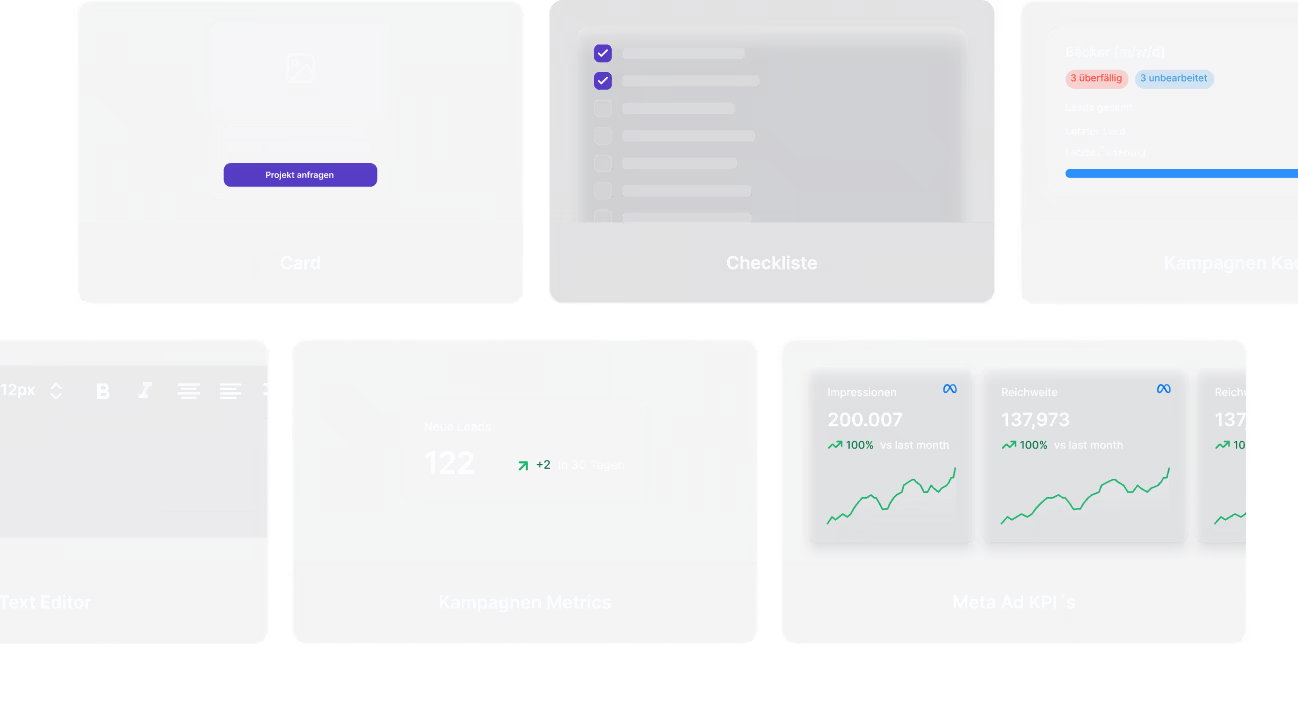
Grid of six user interface widgets including a card with project inquiry button, a checklist with selected items, a campaign dashboard with lead stats, a text editor, campaign metrics showing new leads, and Meta Ad KPIs with impression and reach graphs.
Ready-made templates
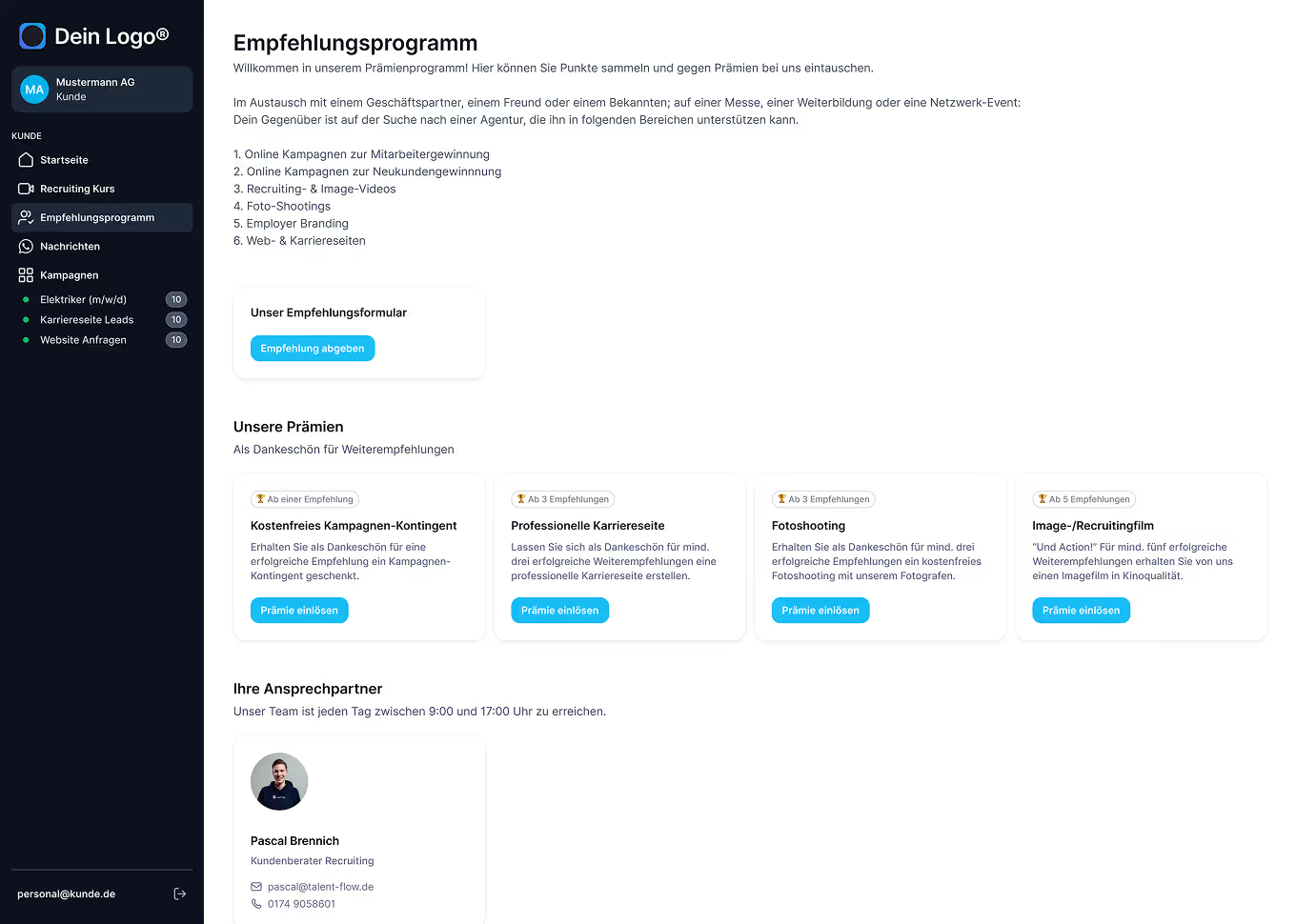
Get started straight away with professional templates for home pages, onboarding courses or referral programmes.
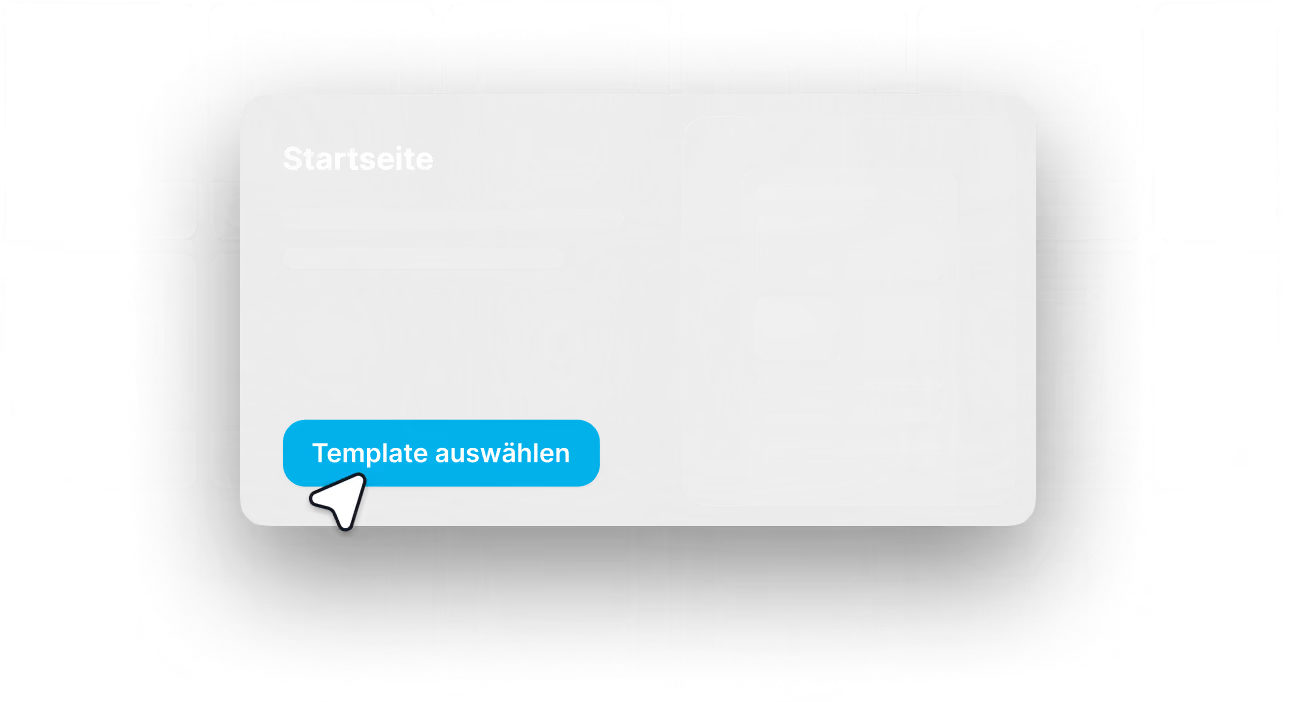
Website interface showing a homepage section with a blue button labeled 'Template auswählen' and a cursor pointing at it.
Central overview
Keep track of all pages and manage all your client portals in one place.
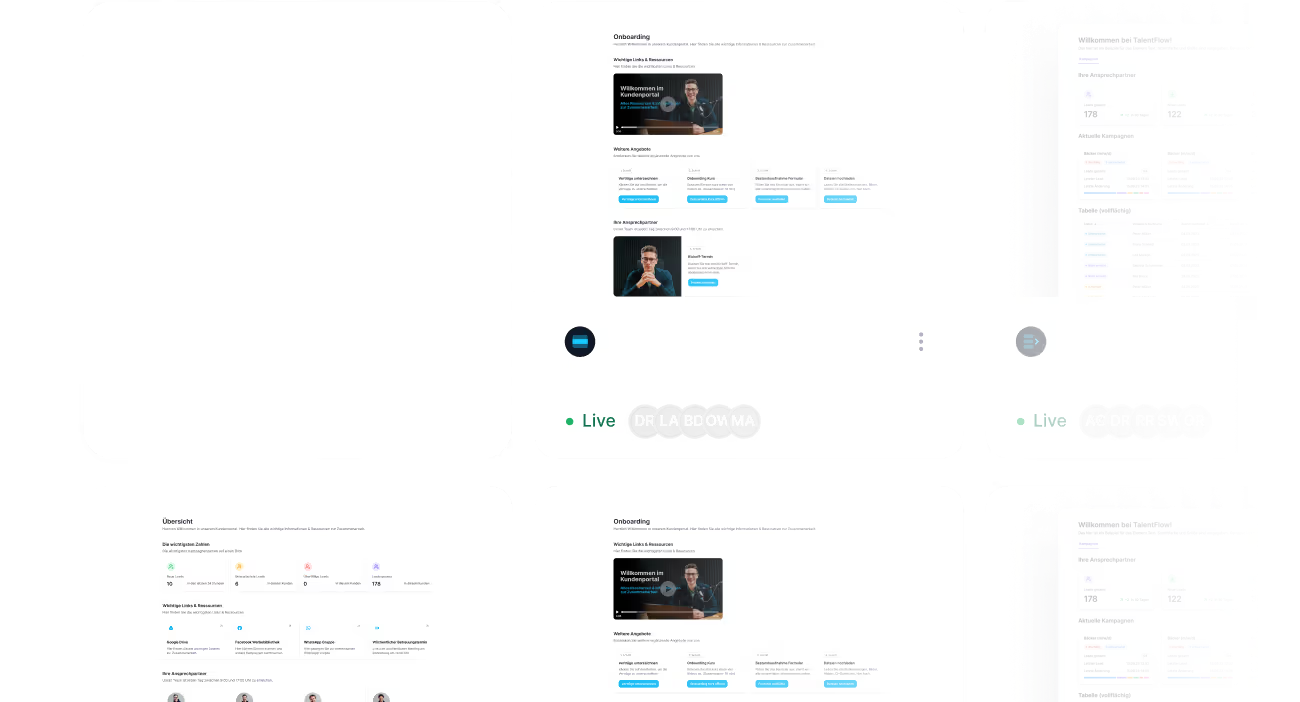
Dashboard interface showing onboarding resources, live user status indicators, campaign statistics, and summary tables with user and campaign details.
Central management
Decide which client sees which pages – complete control over access and content.
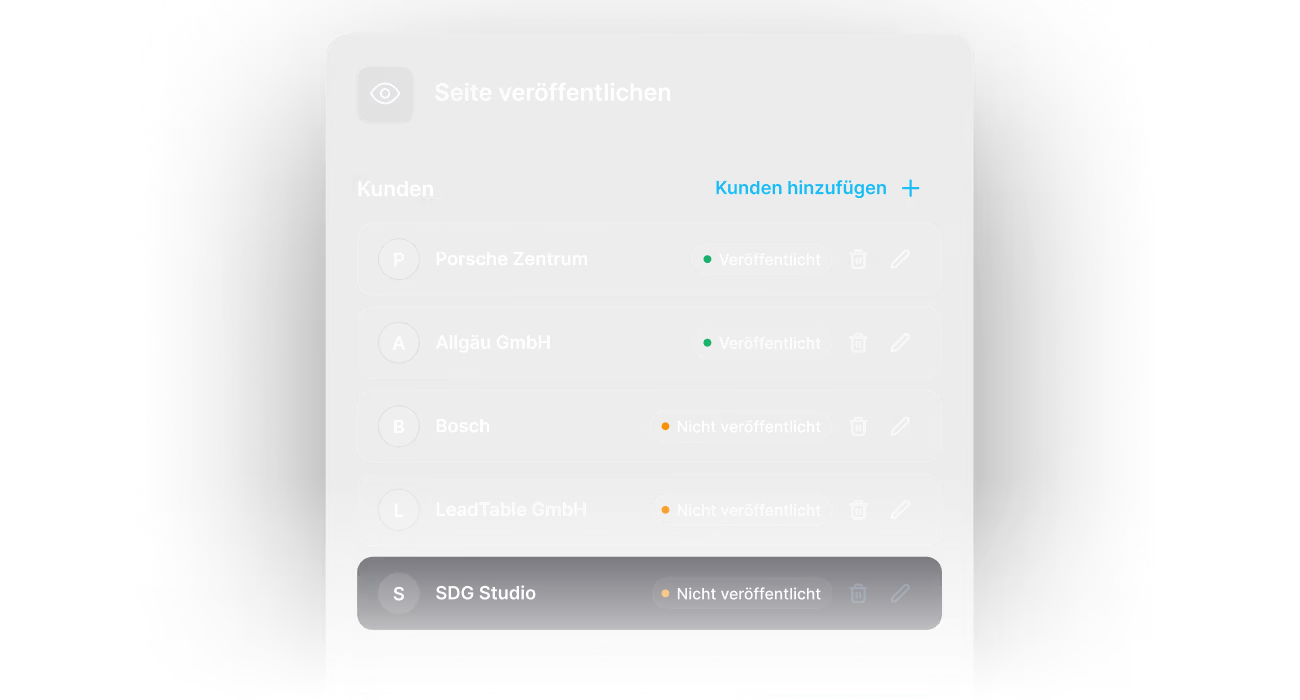
Interface showing a list of customers with their publication status; Porsche Zentrum and Allgäu GmbH are published, Bosch, LeadTable GmbH, and SDG Studio are not published, with options to add customers, delete, or edit each.
Permissions management
Define exactly which login can see which pages.
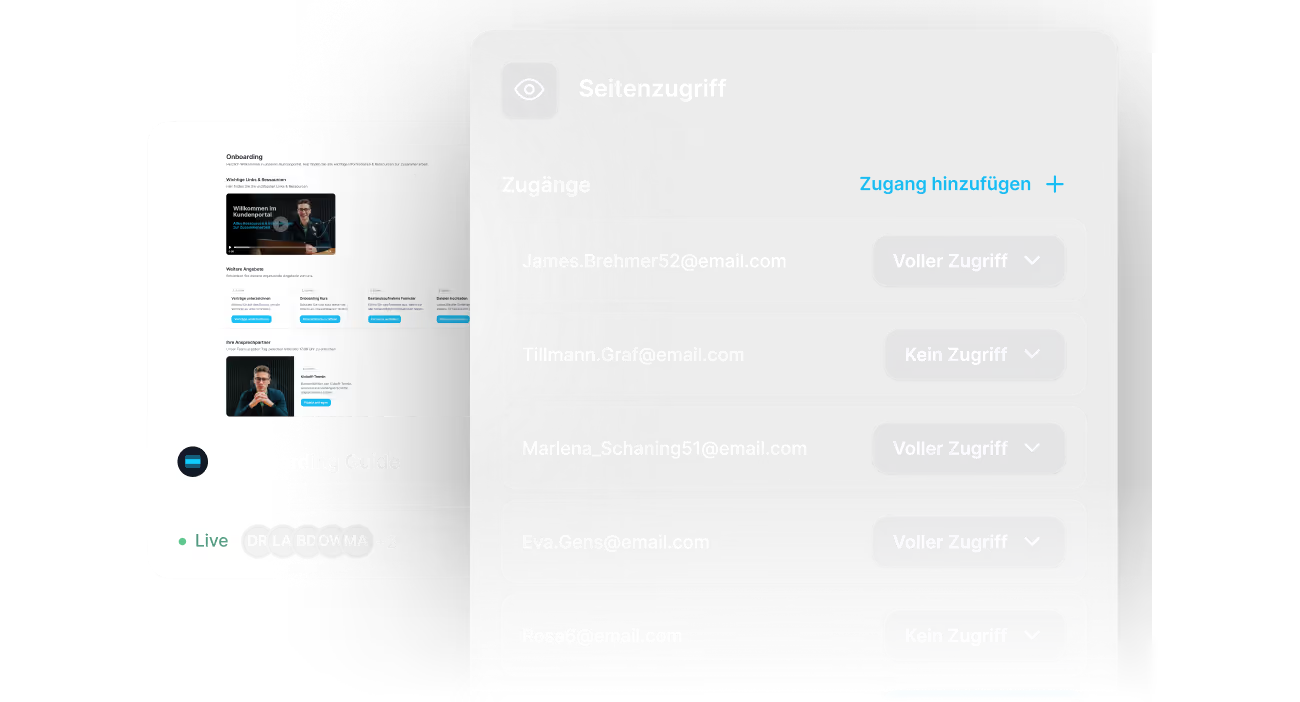
User interface showing page access settings with a list of email addresses and access levels in German.
Client portal templates
Create templates once and set up new client portals in two clicks.
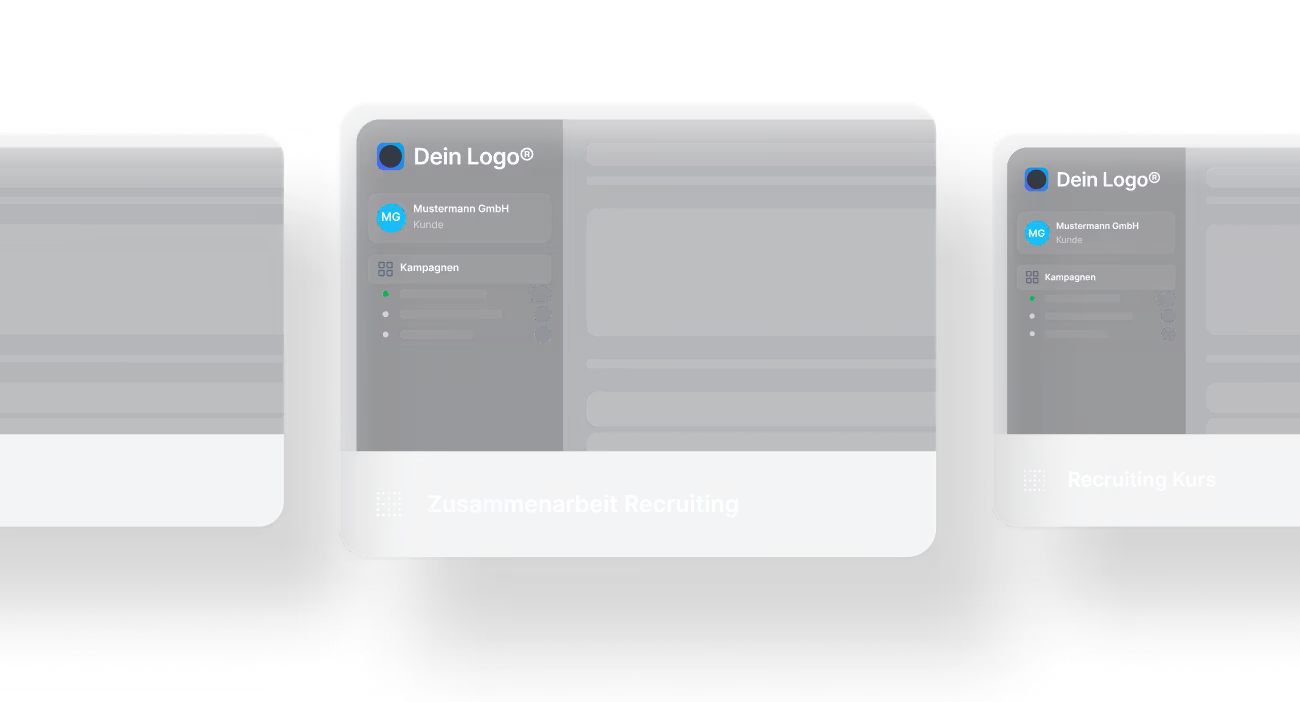
Dark-themed user interface card showing a dashboard with logo, user profile, campaign list, and labeled 'Zusammenarbeit Recruiting'.
Smart variables
Store client-specific data such as Google Drive links or contacts and have it inserted automatically.
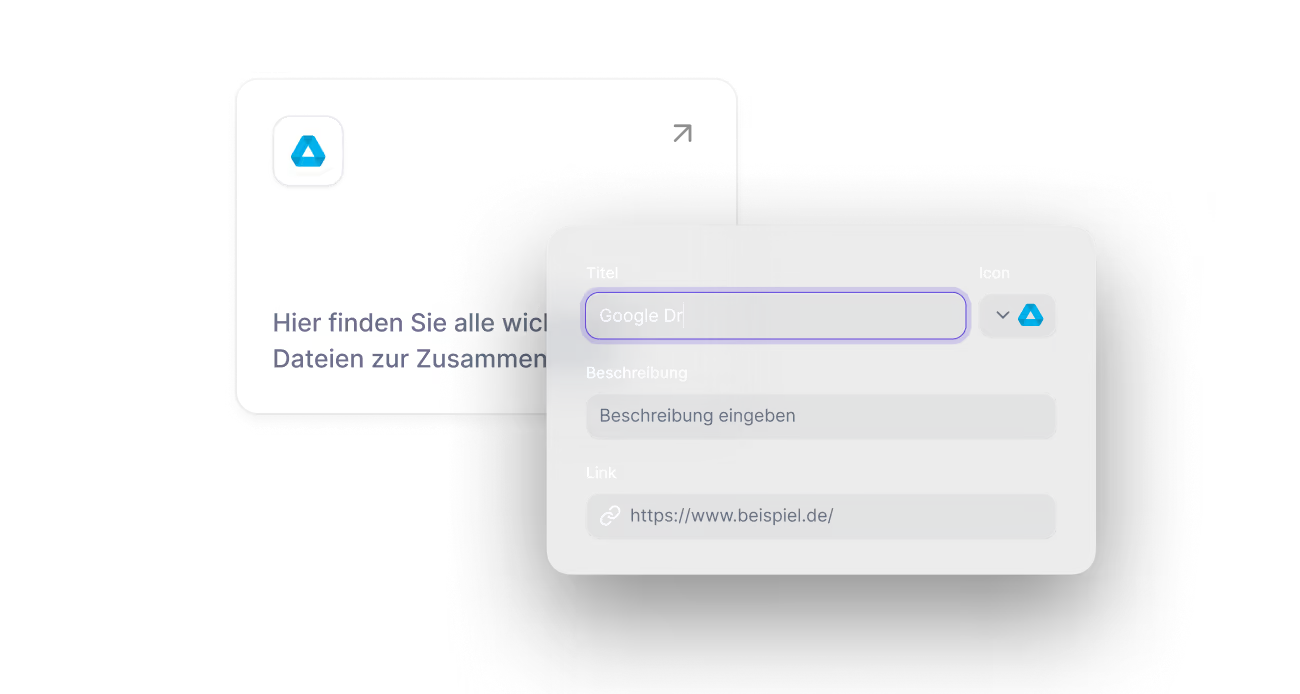
UI screen showing input fields for a smart variable with the title 'Google Dr', icon of Google Drive, and empty description and link fields.

One single login for your clients – everything in one place

Give your clients their complete tool set & all key resources in one central portal – and boost client retention.
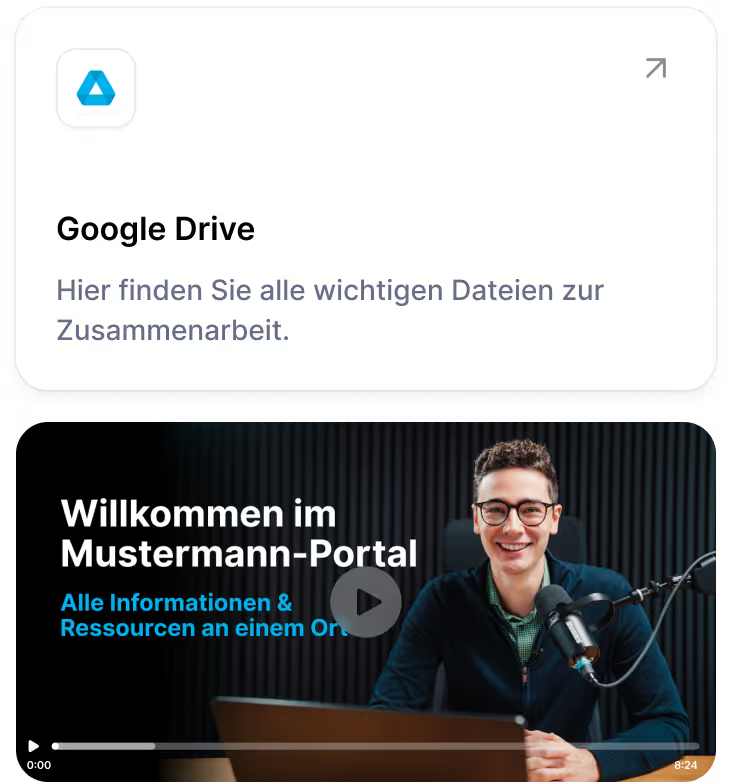
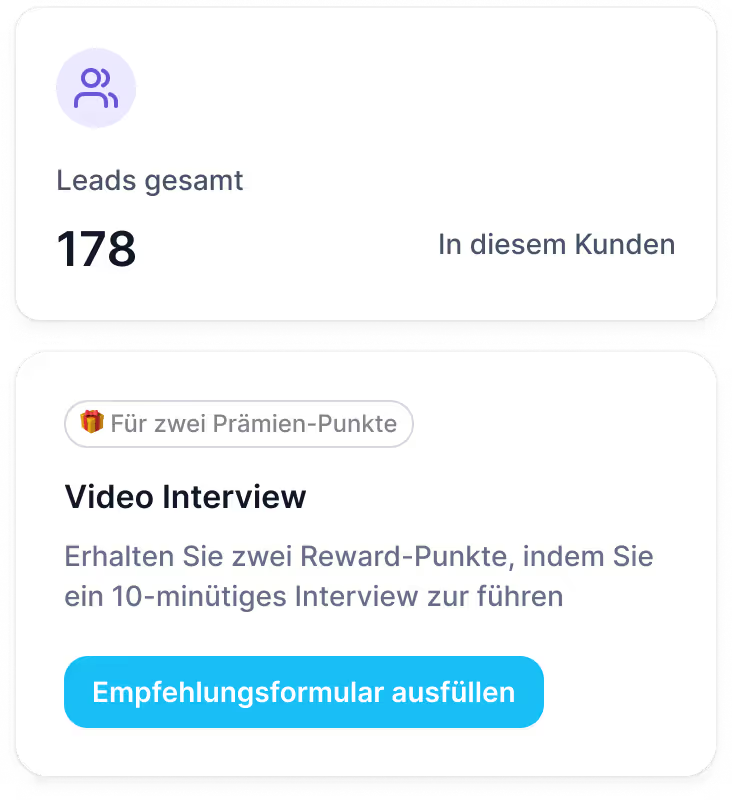
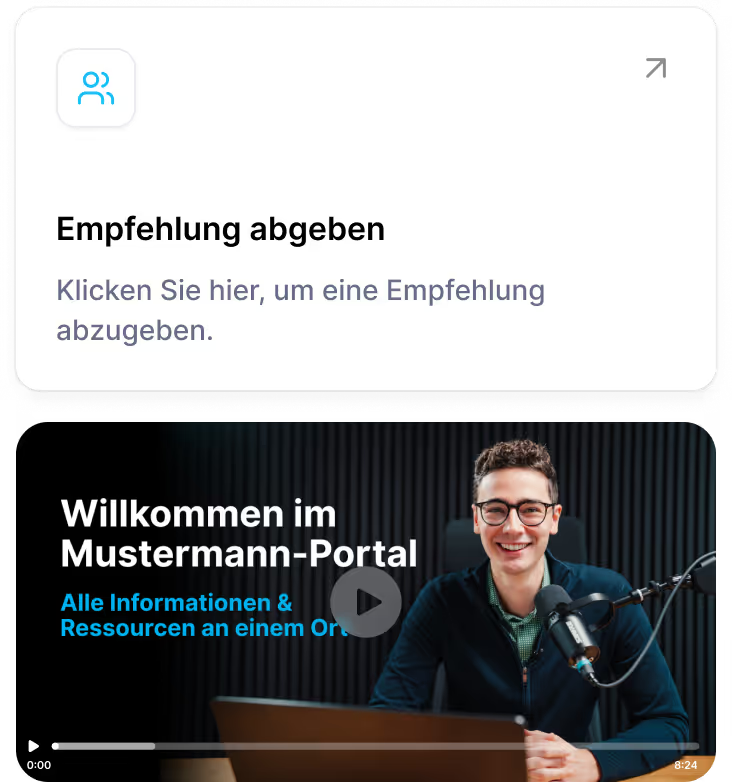
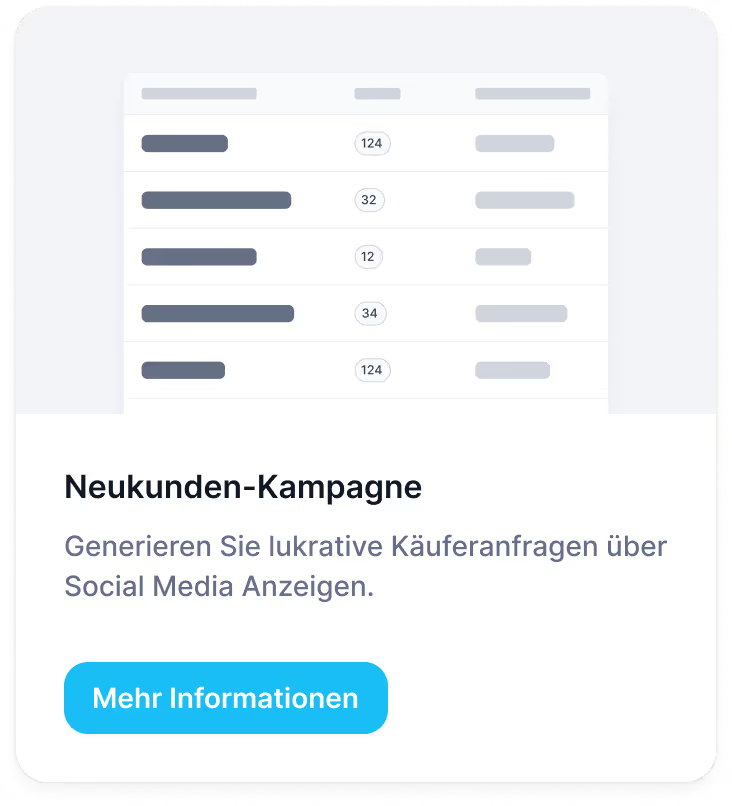
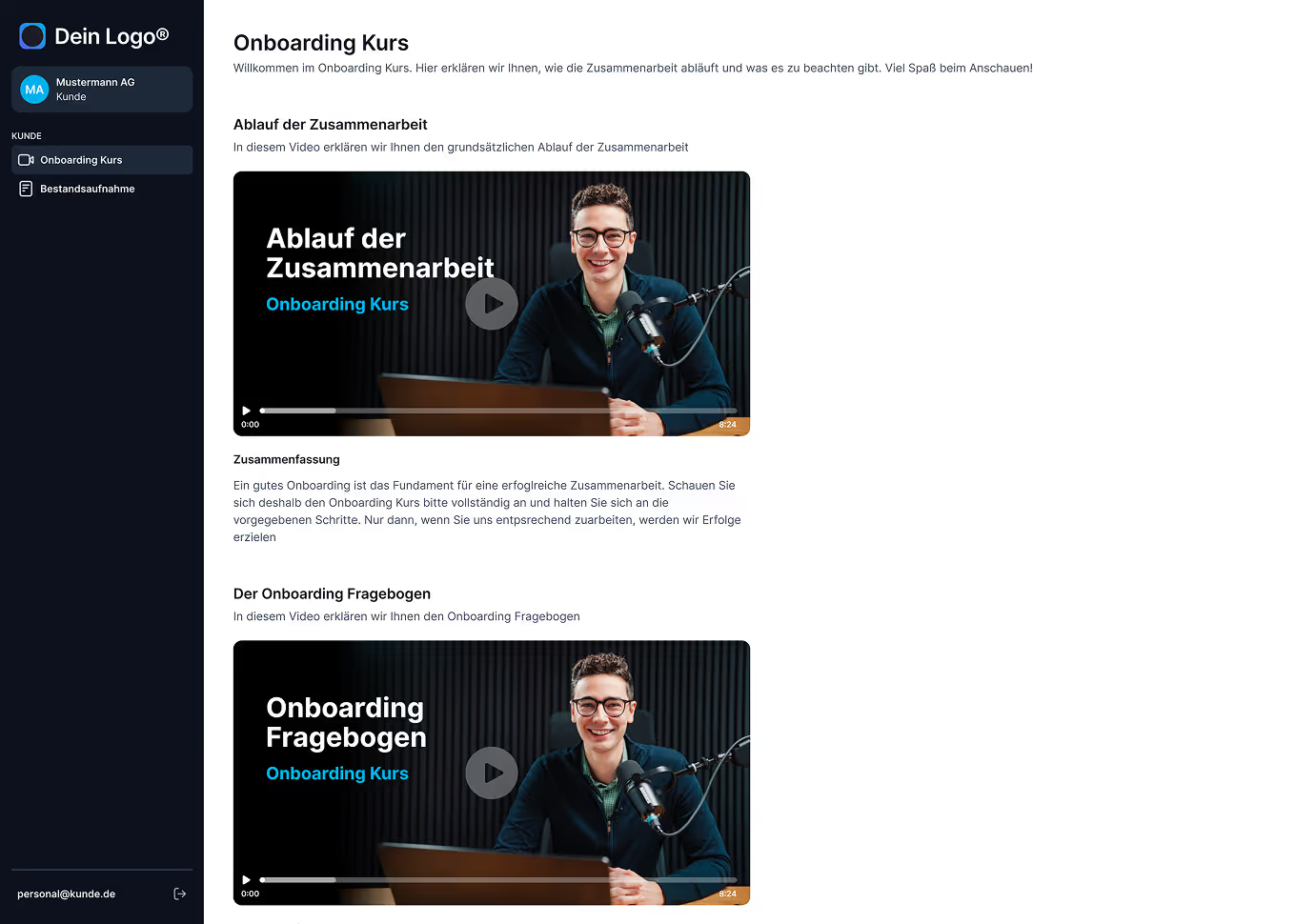
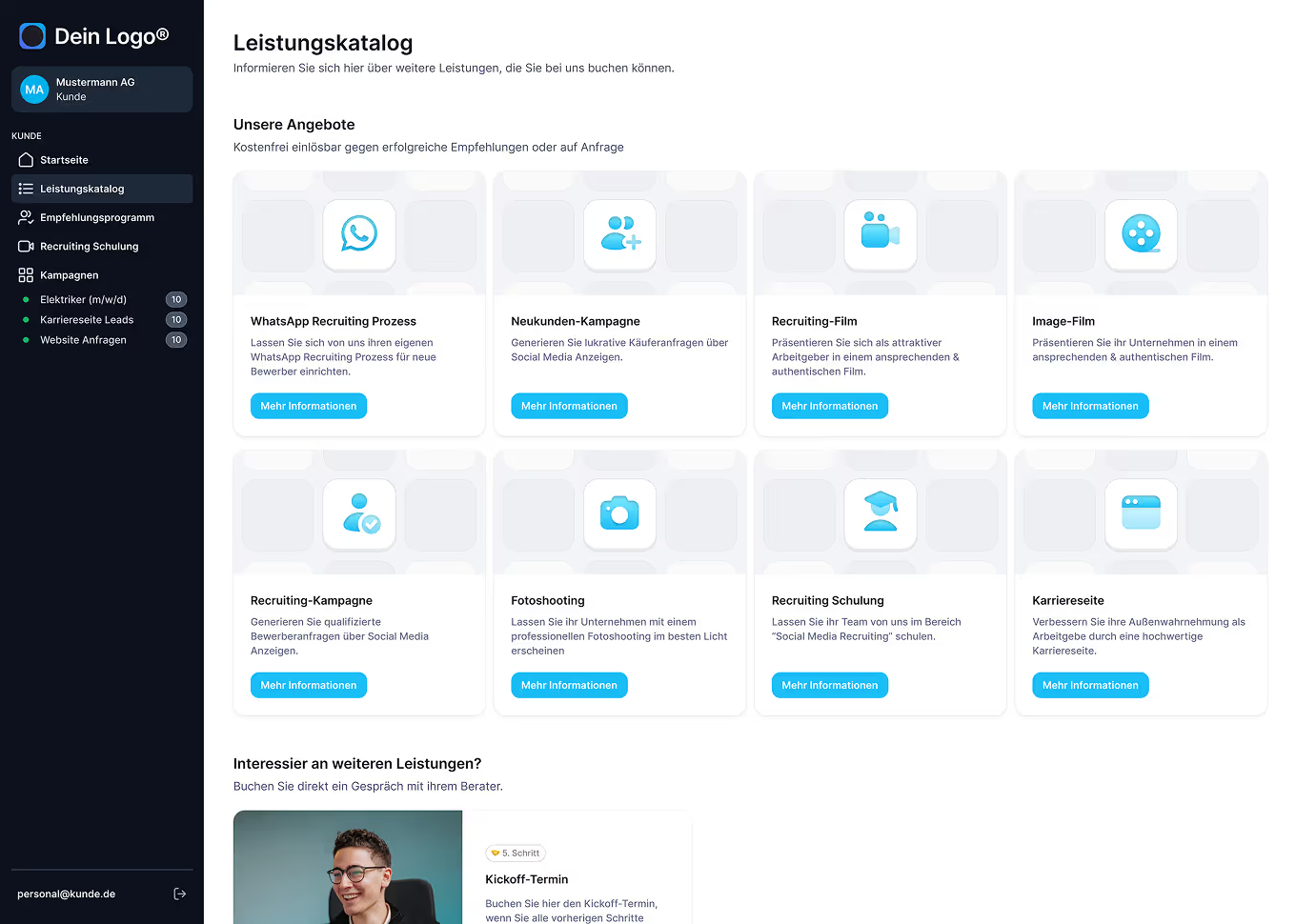
Two professionals discussing work on computer in office settingDashboard showing 10 new leads in the last 24 hours and an onboarding course prompt with a button to open the course consisting of four videos totaling 18 minutes.Portrait of Michael Kirsch wearing glasses and a dark hoodie, smiling against a blurred background.Screenshot of a video player showing a man with glasses and a microphone smiling, with German text welcoming to the Mustermann portal and mentioning information and resources in one place.Icon of a person wearing a graduation cap above text about social media recruiting training and a blue button labeled Mehr Informationen.Smiling woman sitting at desk, talking on phone and looking at a computer screen in a bright office.Two panels: top shows total leads as 178 with user icon and text 'Leads gesamt' and 'In diesem Kunden'; bottom panel offers a video interview incentive with text about earning two reward points for a 10-minute interview and a blue button labeled 'Empfehlungsformular ausfüllen'.Portrait of a smiling woman with glasses and shoulder-length hair on a professional card for Janine Beyer, Persönlicher Account Manager.German webpage section with a card inviting to submit a recommendation and a video preview showing a smiling man with glasses speaking into a microphone, titled 'Willkommen im Mustermann-Portal' with information about resources.Table with data rows and circles showing numbers, accompanied by text in German about a new customer campaign and a blue button labeled Mehr Informationen.

What you can create with the Client Portal Builder

Endless possibilities for better client experiences
Feedback on the Client Portal Builder

What our customers say about the Client Portal Builder